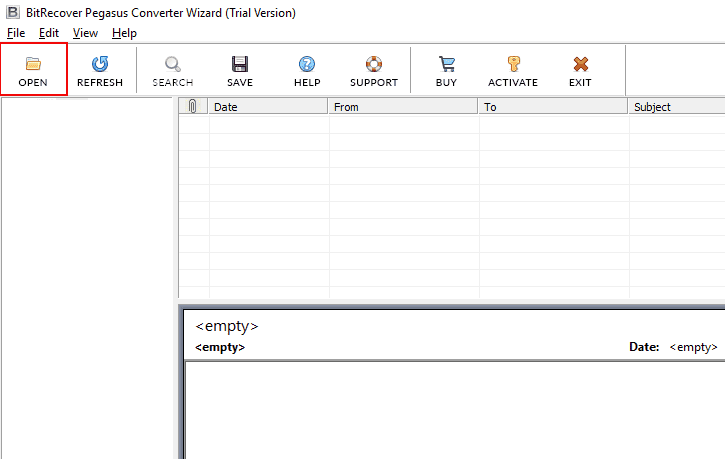
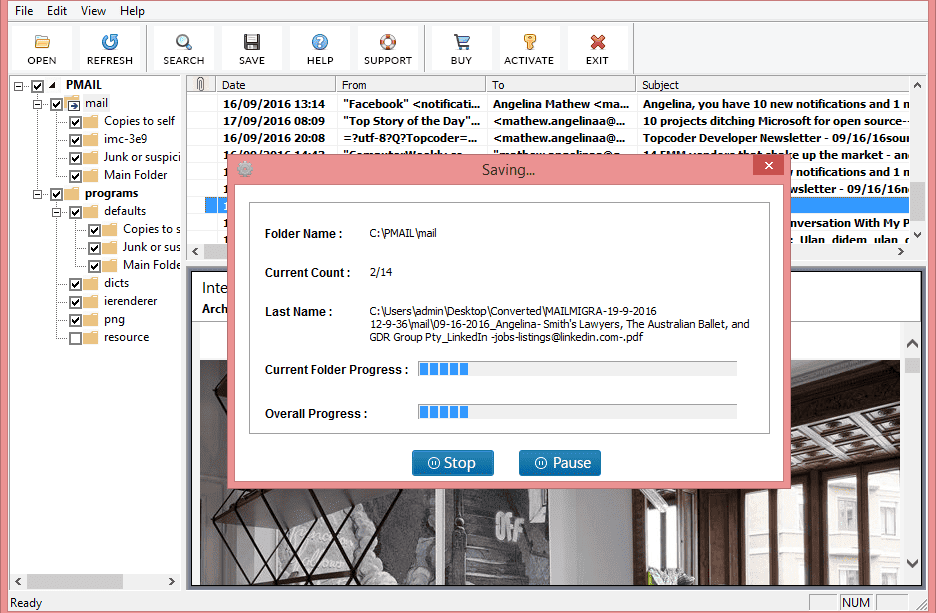
Screenshot
 Video
Video Software Guide
 Eula
Eula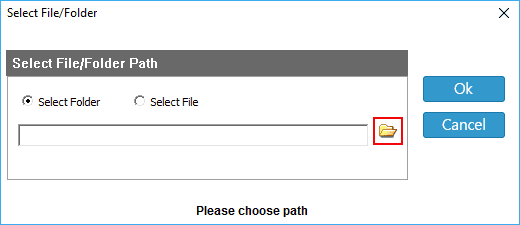










I had 500 Pegasus emails which I want to convert into PST files. On the internet I found this software and after using it. I was able to convert my mail in just a few minutes. I like how the interface is clean which makes it easier to use. Highly recommended!

Jagware
Pegasus Email Converter
Many users are asking us how to convert Pegasus emails. So, here is the solution. This tool is specially created for all of you who are having problems converting their Pegasus files.
- Automatically Detect and fetch Pegasus Emails with Advance Scanning Ability
- Easily Export Batch Pegasus Mails into Multiple Formats
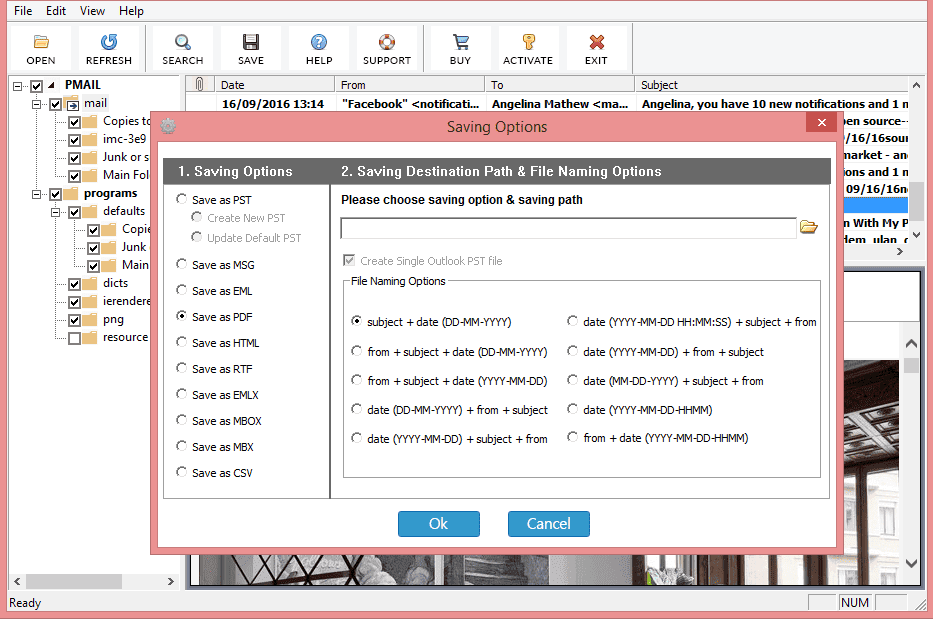
- Provide File Naming Options to Name your Converted Emails
- Securely Convert Emails into any Formats with Complete Email Attachments and Attributes
- Users can also Directly Export their Pegasus in MS Outlook and any Other Email Accounts
- Capable of Maintaining Folder Hierarchy Throughout the Process
- It is Available in All Windows OS Versions including Latest and Earlier Versions
Live Free Demo: Download Free Demo Edition to Export Maximum of 5 CNM or PNM Files.